

Overview
Commerce Extract MCP is an extraction-only MCP tool. Give it any block of text - an AI reply, an article, a support thread - and it returns the product and purchase-intent mentions it found, each with a brand label when one was named, a confidence score, and the exact character offsets of the phrase. It’s the same extraction engine that powers the ChatAds widget, exposed on its own for builders who already have their own chat, agent, or commerce stack.find_commerce_opportunities resolves nothing: no affiliate offers, no product pages, no prices, no catalog lookups - you get the signal and decide what to do with it. When you want a phrase turned into a shoppable listing, that’s the companion tool on the same server: Commerce Match. Want both steps done for you on a full AI reply, offers and all? That’s Commerce Insert.
This is a different server from the MCP Data Connector. That one is read-only access to your own widget data with a
uk_ user key. This one takes a cak_ team access key and analyzes text you send it.Get Your Access Key
Commerce Extract MCP authenticates with a team access key (cak_...) in the x-api-key header.
- Log into app.getchatads.com
- Open Commerce Extract
- In the Access Keys card, click Create Key
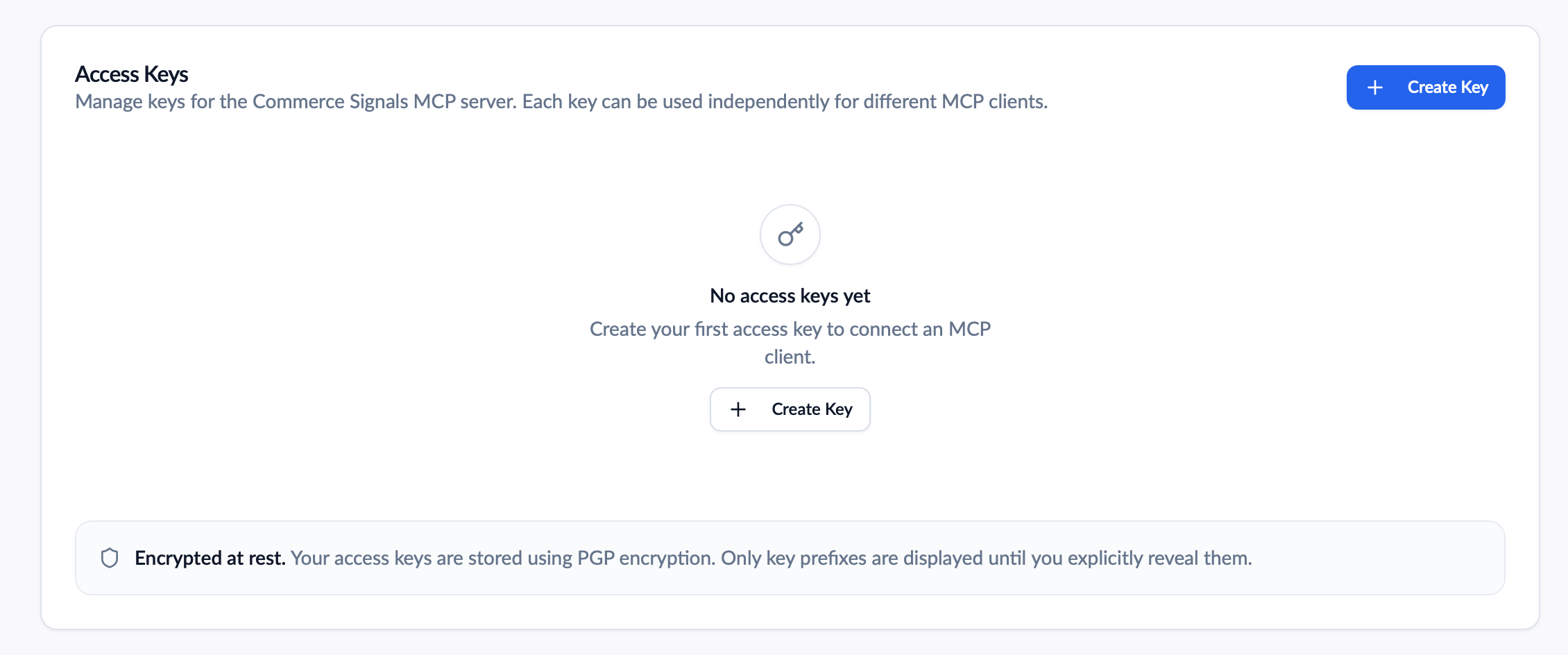
The Access Keys card on the Commerce Extract tab
cwk_...) and user keys (uk_...) do not work here.
Connect
In Claude Code it’s one command. Most other clients (Claude Desktop, Cursor, Windsurf, etc.) take the JSON block - drop thetransport field if your client rejects it:
find_commerce_opportunities is available. The same server also carries find_product_matches and insert_product_links, so one entry gets you all three tools.
Tool
Each opportunity:
Example
Calling the tool with:data payload directly as structured content - the bare {"opportunities": [...], "count": n} object, matching the tool’s declared output schema. Text with no detected purchase intent returns "opportunities": [] with "count": 0 - that’s a success, not an error.
Opportunities come back strongest first - ordered by internal score, not by where they appear in the text - so the first item is the best pick, not the earliest mention. Each distinct product appears once; repeated mentions are collapsed into a single opportunity.
What branded and brand Mean
They answer different questions, so you can get a brand without branded.
brandedasks: does the phrase inproductcarry its own brand, or sit directly against it?brandasks: whose product is this?
brand:
product is always verbatim from your text, so span keeps pointing at real characters - we never rewrite it to “KitchenAid stand mixer.” If you’re highlighting mentions inline, use product and span. If you’re picking a link or a catalog, use brand and ignore branded.
A brand mentioned merely nearby sets neither:
brand as “we have no brand claim for this phrase,” not as “no brand appears nearby.”
What Gets Extracted
Some rules decide what’s eligible before scoring runs, so you don’t have to filter for them yourself:- Everything returned is at least two words. Single-word mentions (“blender”, “headphones”) are dropped outright - too ambiguous to act on. A one-word product only comes back inside a longer phrase (“Vitamix A3500 blender”).
- Bare brand names are removed. “Trader Joe’s”, “Nike”, and “Costco” on their own return nothing. A brand survives only when it’s attached to a product (“Patagonia Nano Puff jacket”) - which is also when you get a
brandlabel. - Non-product phrases are filtered. Service names, vague trailing phrases, and mentions in negative context (“I wouldn’t buy…”) are dropped before scoring.
"count": 0.
Casing Is a Signal
Capitalization isn’t cosmetic here - it feeds both the phrase boundaries we extract and the score the mention gets. Send text cased the way a person would actually write it:- Capitalize brand and product names. A brand that isn’t already in our brand data is recognized mostly by its casing pattern: two or more capitalized words in a row, or one capitalized word sitting next to a model number (“Kobo Clara BW”, “Anker 737”). Written lowercase, the same phrase reads as generic prose and scores well below a branded mention - often under the confidence floor.
- Don’t capitalize words that aren’t names. Title Case prose (“Best Wireless Headphones For Running”) can read as a brand and drag a generic phrase into branded territory.
- A capital at the start of a sentence is ignored. That’s a sentence-case artifact, not a name, so a brand in that position needs a second capitalized word or a model number beside it.
- ALL CAPS and all-lowercase text carry no casing signal at all. Headline-cased, shouty, or lowercased input returns fewer opportunities at lower confidence. Normalize it before sending if you can.
Confidence Scores
confidence is a proprietary score from 0 to 1. Treat it as directionally accurate rather than a calibrated probability - it’s built for ranking and thresholding mentions against each other, not for reading as “87% likely to convert.”
Anything below roughly 0.40 is dropped before it reaches you, so you shouldn’t need your own junk filter on top. An empty opportunities array means nothing on the page cleared that bar.
What moves the score:
- Branded vs generic. A mention naming a real brand (“Bose QuietComfort Ultra earbuds”) scores well above a bare category noun (“earbuds”).
- Proximity to a purchase-intent signal. Recommendation language near the mention (“I’d go with”, “worth buying”) lifts it; a passing reference in unrelated prose doesn’t.
- Location in the text. Mentions early in the message, or set off structurally - a bullet, a numbered list, a bolded pick - score higher than ones buried mid-paragraph.
- Length and specificity. Multi-word phrases with real modifiers beat one-word generics, which are actively penalized.
- Plus a range of other signals in the scoring model.
Limits
- Message length: 10,000 characters per call.
- Requests: the free tier includes 500 requests per month. Every call counts, including ones that return zero opportunities. Get in touch to raise your cap - tell us roughly what volume you’re expecting.
- Commerce Extract shares one usage pool with Commerce Match, Commerce Insert, and the rest of your team’s API usage, and the same per-minute burst limit. Your current month’s usage is shown at the top of all three tabs - same team-wide figure either way.
- Your team’s blocked-keyword and language content rules still apply. A message that trips one returns an empty
opportunitiesarray rather than an error.
Troubleshooting
”This tool requires a cak_ API key”
You connected with a user key (uk_...). Commerce Extract MCP takes a team access key (cak_...) - create one on the Commerce Extract, Commerce Match, or Commerce Insert tab.
”Message is required”
Themessage argument was missing, empty, or whitespace only. An empty message is a client error, not an empty-opportunities success.
”Message exceeds max length”
The text was over 10,000 characters. Split it and call the tool once per chunk - thespan offsets are relative to whatever you sent, so track your own chunk offsets if you’re highlighting against the full document.
”Extraction backend temporarily unavailable - please retry”
ASERVICE_UNAVAILABLE error means the extraction service didn’t respond. It’s deliberately surfaced as an error rather than silently returning zero opportunities, so a retry is safe and correct here.
”Daily request limit exceeded” / “Monthly request limit exceeded”
You’ve used your plan’s allowance. See Limits.Text clearly mentions products but returns "count": 0
Check the casing first. Lowercased or ALL CAPS text strips the brand signal the engine leans on, and Title Case prose can push a generic phrase the wrong way - see Casing Is a Signal. After that, check What Gets Extracted: single-word mentions and bare brand names are dropped by design, and anything under roughly 0.40 confidence is filtered out before you see it.
Tool not appearing in your MCP client
- Verify the URL is exactly:
https://api.getchatads.com/tools/mcp/mcp - If your client’s config uses a
transportfield, it should be"http" - Confirm the key in
x-api-keystarts withcak_ - Restart your MCP client completely
- Ask: “What tools do you have access to?”