

Master Settings
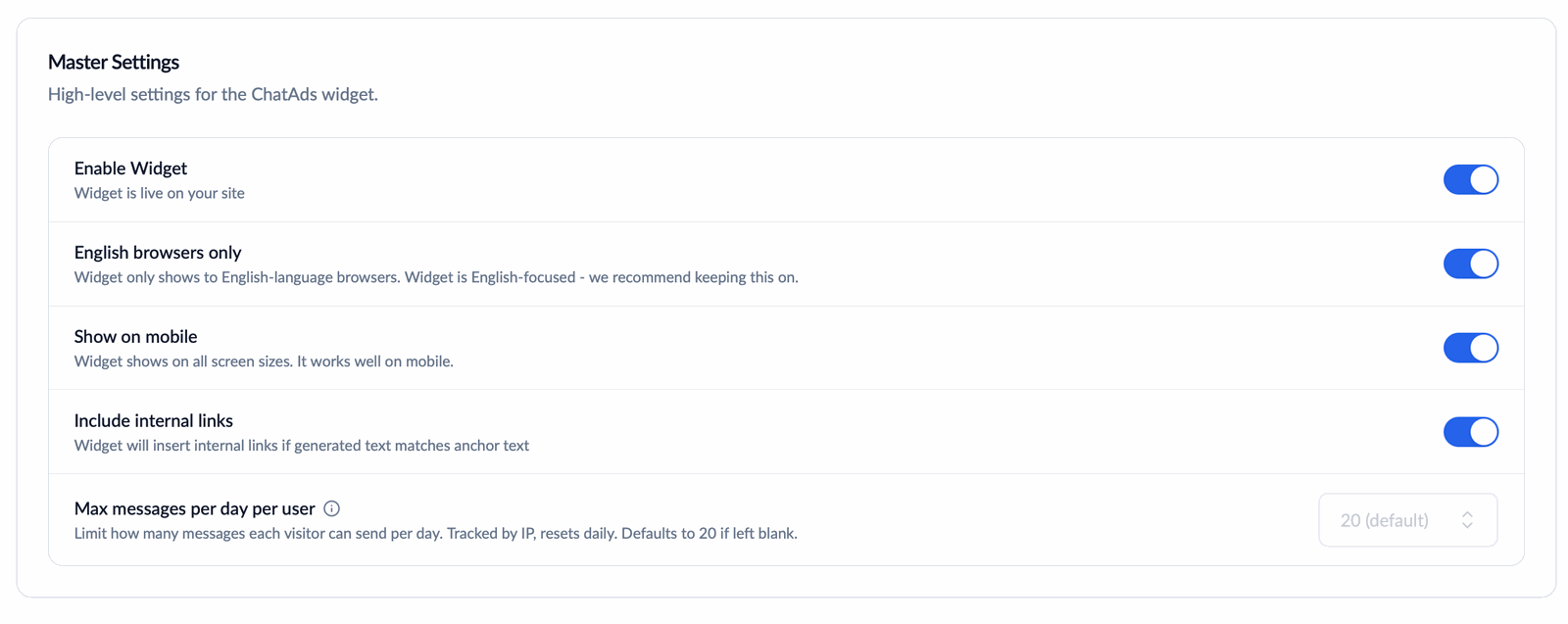
Master Settings on the Settings tab
- Enable Widget - the master switch. Turn it off and the widget disappears from your site immediately.
- English browsers only - hides the widget when the visitor’s browser language is not English, including your own browser while you test. On by default because sponsored Amazon links only appear on English replies for US visitors; turn it off to show the widget to every browser language. The assistant replies in whatever language the visitor writes in.
- Show on mobile - on by default. The widget works well on small screens; toggle off for a desktop-only experience.
- Include internal links - on by default. The widget will insert links to product pages on your own site when the reply text matches the link’s anchor text. These are regular internal links, not sponsored or tracked. Turn it off and the widget won’t add internal links to responses.
- Max messages per day per user - see Per-Visitor Daily Limits below.
Allowed Domains
Restrict which domains can embed your widget. Leave the list empty to allow any site, or add one or more domains to prevent unauthorized use. Domain checks happen on widget impression, chat, and click events. Subdomains must be listed explicitly;www. is matched automatically.
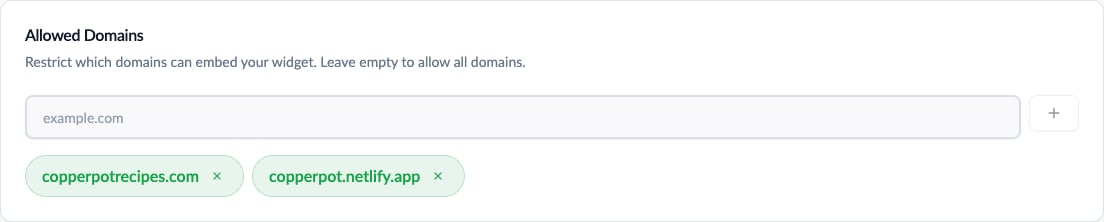
Allowed Domains on the Settings tab
Page Rules
Control which pages the widget appears on with include and exclude path rules:- Paths without
*are exact matches /blog/*matches/blogand all subpages*pricing*matches any pathname containingpricing- Exclude rules are evaluated after include rules
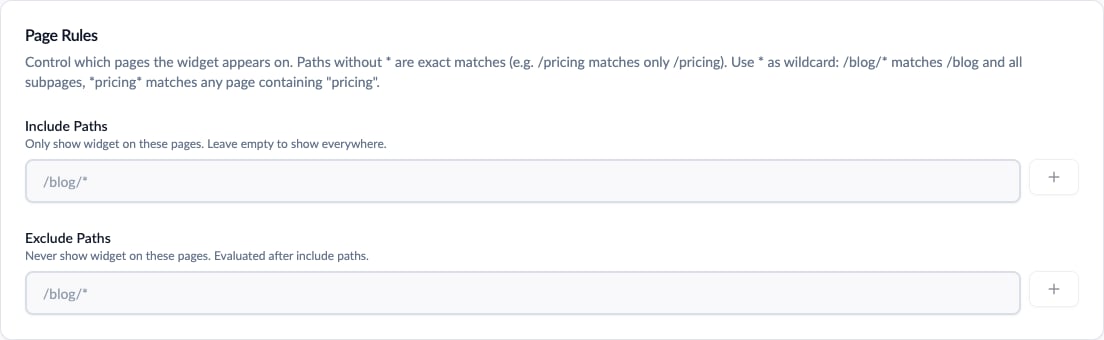
Include and exclude path rules
Include: /blog/* with Exclude: /blog/admin/* shows the widget on blog pages except admin pages.
Per-Visitor Daily Limits
Each visitor can send up to 20 messages per day by default (tracked by IP, reset daily). When a visitor uses up their allowance, the input is disabled with the notice “You’ve used your N messages for today - come back tomorrow!” Use this to keep individual heavy users from consuming your team’s daily message limit.Raising the per-visitor limit above the default of 20 requires domain verification: (1) add a public domain to Allowed Domains and (2) load the widget once on that domain so our system detects it. Localhost domains can be added for local testing but don’t count toward verification. Lowering the limit works immediately.